

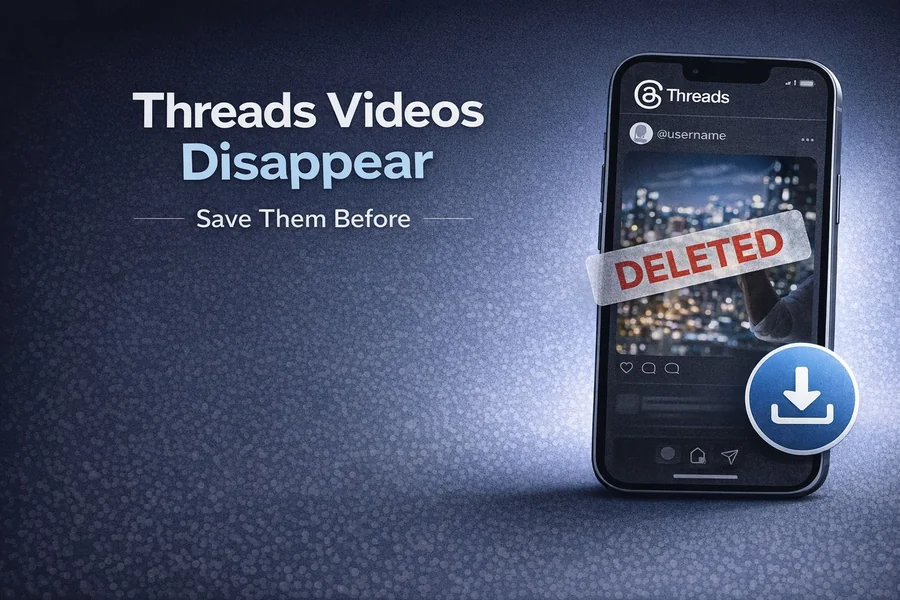
Why Your Favorite Threads Videos Disappear — And How to Save Them
You open Threads, find a video you watched last week and wanted to show someone, and it’s just gone. The account is still there, but that specific post has vanished. No explanation, no archive, nothing.
This happens more often than people realize — and there are several reasons behind it.
Why Threads Videos Disappear
The creator deleted it. This is the most common reason. Unlike YouTube, where videos tend to stay up for years, Threads is a fast-moving platform. Creators delete posts all the time — sometimes because the content felt off, sometimes because they reposted it elsewhere, sometimes just because they changed their mind. There’s no warning, no grace period.
The account got deactivated or banned. If a creator deactivates their account or gets removed from the platform, everything they posted goes with it. All their videos, gone instantly.
Meta is experimenting with expiring posts. This is newer and less known: Meta has been testing 24-hour expiration timers on some Threads content, similar to Stories on Instagram. If that rolls out more broadly, a lot of content people assume is permanent could start disappearing on a timer.
The post got buried and you can’t find it. Threads doesn’t have a great search function for going back through someone’s old content. Even if a video is technically still up, finding it again can feel impossible once it drops off your feed.
What Bookmarking Actually Does (And Doesn’t Do)
A lot of people assume that bookmarking a post in Threads is a safety net. It isn’t. Bookmarks save a reference to the post — a pointer. If the original post gets deleted, the bookmark leads nowhere. You get an empty page or an error.
The same goes for sharing a link with someone. If the post disappears before they open it, the link is dead.
The only way to actually keep a Threads video is to save the file itself to your device.
Situations Where This Really Matters
You found something genuinely useful. A tutorial, a cooking tip, a workout explanation — content you wanted to come back to. Bookmarking felt like enough. Then it disappeared.
A creator you follow posted something personal and later took it down. Happens constantly. People share things in the moment and then reconsider. If you wanted to remember that moment, you needed the file.
You wanted to share it with someone who isn’t on Threads. Sending a link to someone who doesn’t have an account — or doesn’t want one — means they might not be able to watch it at all. A saved video file works for everyone.
You’re a content creator tracking what performs well. Watching how others structure their videos, their pacing, their hooks — these are references worth keeping. Relying on the platform to keep them available for you is a gamble.
How to Save Threads Videos Before They’re Gone
The simplest method requires nothing but a browser. No app, no account, no installation.
Step 1 — Copy the link while the video is still up Open the post, tap the three-dot icon, and select Copy link.
Step 2 — Go to savethr.com Open savethr.com in your browser and paste the link into the input field.
Step 3 — Download Hit Download, pick your quality, and the file saves directly to your device — phone, tablet, or computer.
The whole process takes under a minute. The video is now yours regardless of what happens to the original post.
Comparison: Ways to “Save” a Threads Video
| Method | Works if post deleted | Actual file saved | Quality |
| Bookmark in Threads | No | No | — |
| Share link | No | No | — |
| Screen recording | Yes | Yes | Degraded |
| savethr.com download | Yes | Yes | Original HD |
The difference between bookmarking and downloading is the difference between a note that says “there’s a video here” and actually having the video.
One Thing Worth Keeping in Mind
This only works for videos from public accounts. Private content isn’t accessible — which is exactly how it should be from a privacy standpoint.
Also worth saying: saving a video for personal use is generally fine, but redistributing or monetizing someone else’s content without their permission is a different matter. The tool is built for people who want to keep something for themselves, not for mass reposting.
The Short Version
Threads videos disappear all the time — creators delete them, accounts get removed, and Meta is testing content that expires after 24 hours. Bookmarks don’t protect you from this because they’re just pointers to the original post. The only real solution is saving the actual file.
Using savethr.com as your Threads video saver, you can do that in three steps from any browser — before the video disappears and it’s too late.
