
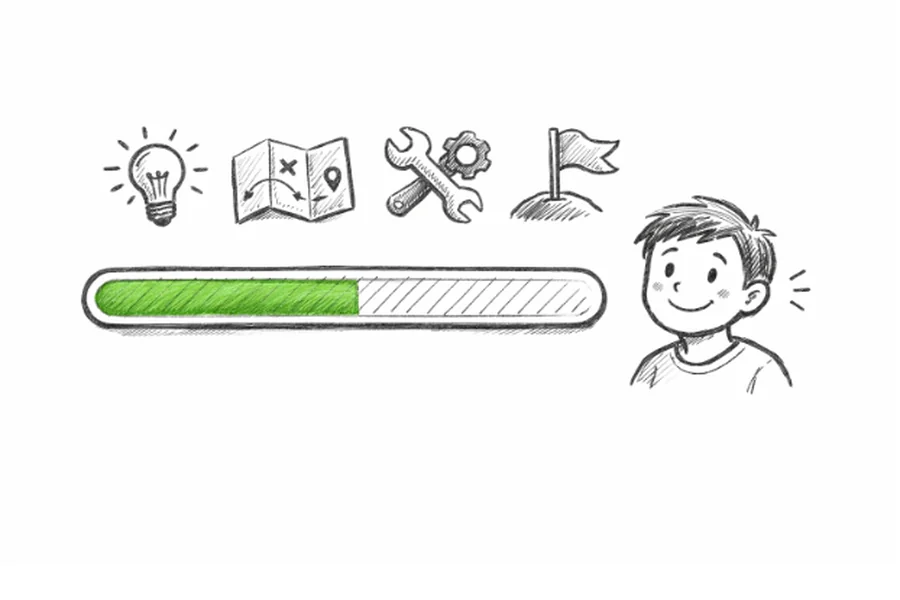
Progress bars are more than just practical tools for tracking progress; they can also improve digital experiences in unexpected ways. Whether you are developing a new app or redesigning an existing platform, integrating a progress bar into your interface is one of the most effective ways to guide users through tasks. As users interact with your design, the simple addition of a progress bar can increase transparency, reduce uncertainty, and even make processes feel less overwhelming.
To create successful digital products, it is important to focus on keeping users engaged. Progress bars visually demonstrate how much work remains, breaking large or monotonous tasks into digestible segments. This transforms what could be a dull experience into a more interactive and encouraging journey. Thoughtfully designed progress bars appeal on a psychological level as well, providing a clear sense of motion and accomplishment as users advance from one step to another.
While progress bars serve a functional purpose, they can also support your brand identity by adding style or personality to an interface. Customizing their shape, color, or animation can turn what might otherwise be a bland loading indicator into a memorable part of your design language. Together, these enhancements help users feel confident in both the product and their own progression through it.
Moreover, the importance of progress bars extends beyond general usability improvements. Various studies have shown measurable benefits, such as increased task completion rates and reduced user abandonment, when progress bars are implemented thoughtfully and creatively. Their value is not just aesthetic; it is fundamental to how users experience and interact with digital products.
Enhancing User Engagement
Progress bars play a critical role in maintaining and boosting user engagement throughout a digital experience. When users are asked to complete multi-step tasks, such as onboarding flows or lengthy surveys, a visible progress bar helps them gauge their position and progress. This transparency lowers cognitive load and builds trust in the process. By making each step and the overall journey more visible, users are less likely to abandon their efforts midway.
Furthermore, interaction patterns involving progress bars encourage users to continue. According to Nielsen Norman Group, progress indicators help set user expectations and manage perceived time. When users know how much is left, they are more patient and remain invested in reaching completion.
Motivating User Completion
Visual cues can powerfully motivate behavior. Progress bars leverage psychological principles, such as the Zeigarnik effect, which suggests people remember uncompleted tasks better than completed ones. Displaying incremental advancement makes users more likely to finish what they have started, as they feel invested once they see tangible progress.
Data supports the motivational value of progress bars. For example, a study highlighted in Domo found that adding a progress bar can increase completion rates by up to 10 percent in online forms and surveys. This increase demonstrates their impact on user motivation and persistence.
Aesthetic Enhancements
While progress bars have a clear practical function, their visual impact should not be underestimated. Designers now embrace a wide variety of progress bar styles, from vibrant gradients and playful animations to custom shapes that reflect a brand’s tone. For example, using bursts of color or unique thumb shapes can tie a progress bar to a brand’s palette, strengthening recognition and differentiating the interface from competitors.
Custom Animations
Animating a progress bar can make waiting times more enjoyable. Subtle effects, like pulsing colors or transitioning gradients, distract from the wait and enhance perceived speed. These custom animations can reinforce positive feedback, making users feel rewarded as they progress through each stage.
Best Practices for Design
- Clarity: Progress bars must unambiguously convey current status and what remains. Design with clear labels and logical segmentation to support comprehension.
- Consistency: Adhere to the same design elements as your overall interface. Use congruent shapes, sizes, and color schemes to avoid distracting users.
- Feedback: Respond immediately to user actions. When a user completes a step, show a visual update or reward to reinforce engagement.
Accessibility also plays a vital role. Ensure progress bars are easily perceivable for all users, including those with color vision deficiencies, by adding supporting text or contrast options.
Real-World Examples
Leading platforms use progress bars to enhance the user experience. For instance, Google’s Material You design introduced dynamic progress bars and sliders, improving both usability and aesthetics. Similarly, popular productivity apps use multi-step progress bars to help users track actions and celebrate small wins along the way.
On e-commerce platforms like Amazon, progress bars in checkout flows reassure customers about their remaining steps, creating smoother transactions and reducing cart abandonment rates. These approaches illustrate how progress bars benefit both users and businesses by building trust and encouraging task completion.
Conclusion
Progress bars are far more than simple indicators of completion. When thoughtfully designed and creatively integrated, they enhance user engagement, motivate users, and elevate the aesthetic quality of digital experiences. By following best practices and learning from successful industry examples, designers can harness the full potential of progress bars to make interfaces clearer, more enjoyable, and ultimately more effective.
